Solving USB device ejection issues in Windows.
"This device is currently in use. Close any programs..."

Well, well.. ain’t this popup a bundle of joy? :)
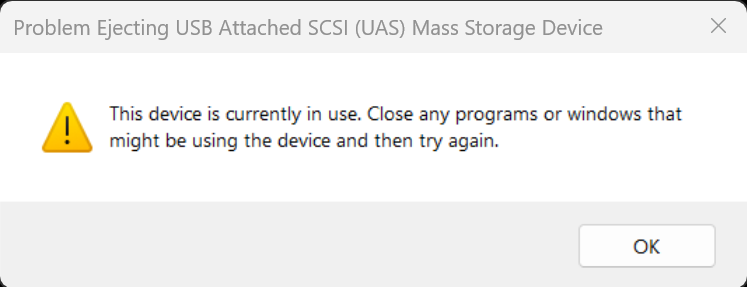
You have closed all Windows Explorer windows & closed Task Manager but this popup relentlessly appears.
You have your browser and some Office and chat apps open which you are reluctant to close.
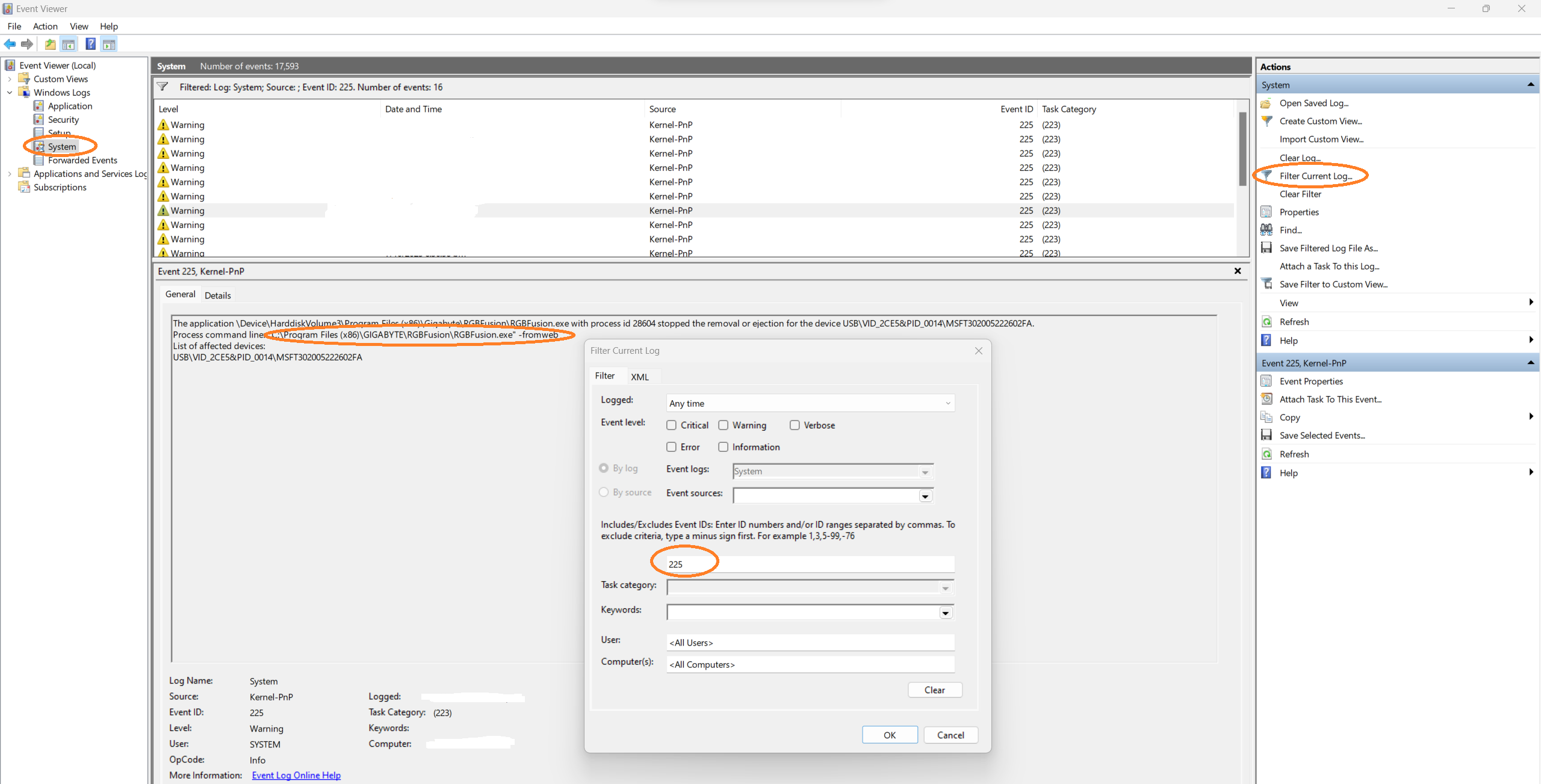
The solution is to go to Event Viewer and find the offending software which is blocking the ejection.
Go to Event Viewer (Win+X shortcut)
Windows Logs > System
Search for event ID 225 (Filter Current Log > input 225)
Close the offending app
Profit!